Why is the internet line a cafe's own responsibility?
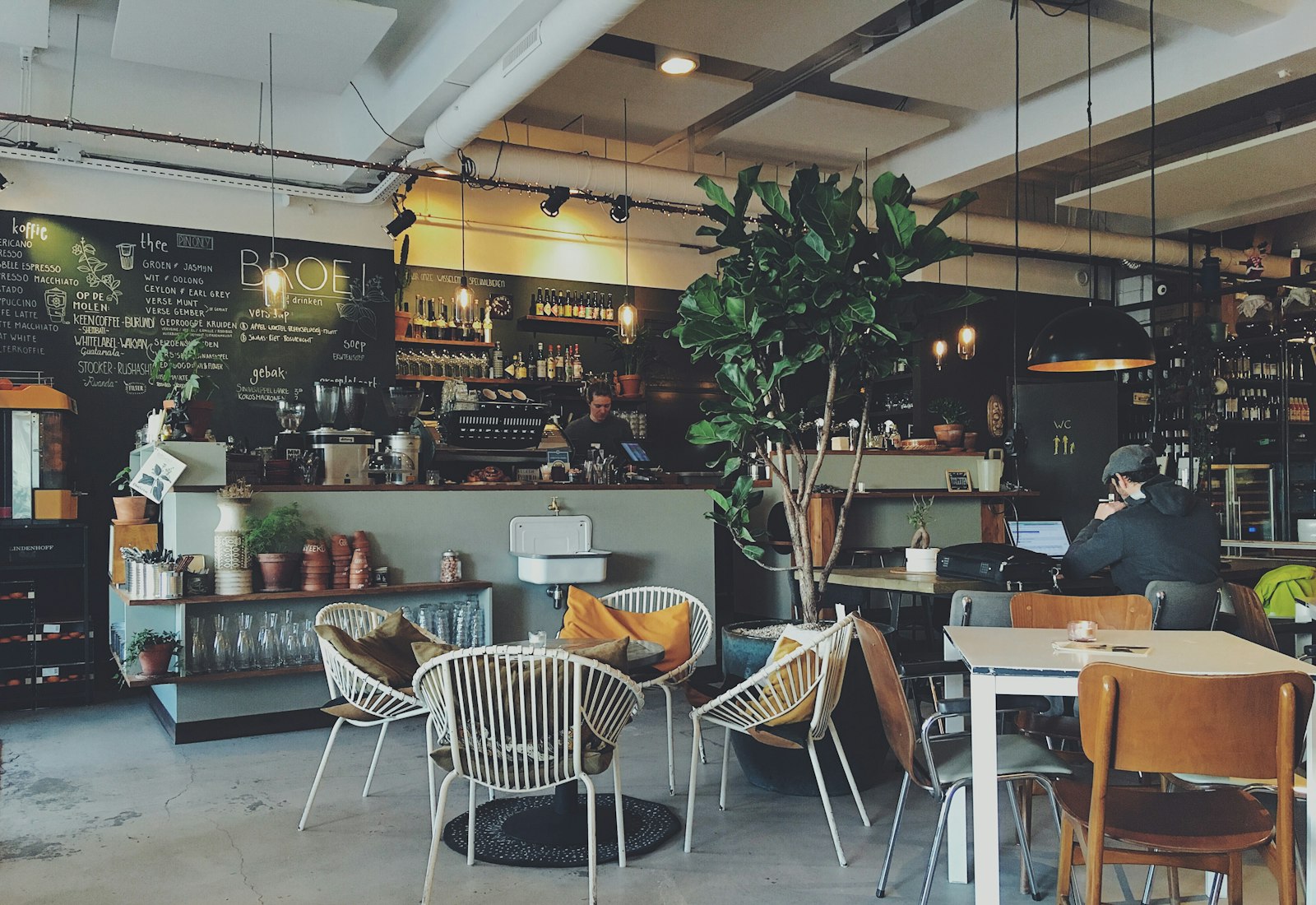
At a cafe or restaurant, several roles use the internet at the same time: the customer sitting at a table, the server taking the order, the cashier at the till, kitchen staff, and sometimes the POS device itself. All of them go online through the same line — the single connection registered in your business's name.
That's why, when a transaction made over that line is questioned, your business is the point of contact; from the outside, the outbound IP address is in your name, and which customer or staff member was connected at that moment isn't visible. Identity-matched access records — which internal IP, which MAC, at what time, to which destination, and which alias code that is tied to — show who performed the action and clear your business of suspicion. This is not a legal guarantee; it is the ability to give the right answer to the right question with the right documentation.
What makes this harder at cafes and restaurants is that customer traffic is extremely short-lived and high in volume: hundreds of different phones can come and go on the network over a single lunch hour. It matters not only that login is fast, but that every login leaves a record behind it; otherwise, busy hours become the moments when the record is weakest.
If you run a cafe chain or a restaurant with multiple branches, this responsibility multiplies with the number of branches: each branch has its own line, its own customer traffic, and its own staff. Even a gap in records at a single branch can expose the whole chain to the same kind of inquiry; being able to monitor every branch to the same standard from a single panel becomes more valuable the more you grow.
A delivery courier waiting at the door, a supplier's driver making a delivery, or an employee from a neighboring business sometimes also wants to connect to the same network. Since these people aren't your regular customers, you can offer them the same fast verification flow (SMS or a visitor code), and further limit them with a daily cap or a short session duration whenever you need to; on the record side, these connections remain identity-matched just like everyone else's.
Legal framework for cafes and restaurants
The Regulation specifically defines the concept of a "commercial-purpose internet public use provider" and limits it to internet cafes and similar places that sell internet access for a fee:
"Ticari amaçla internet toplu kullanım sağlayıcı: İnternet salonu ve benzeri umuma açık yerlerde belirli bir ücret karşılığı internet toplu kullanım sağlayıcılığı hizmeti veren veya bununla beraber bilgisayarlarda bilgi ve beceri artırıcı veya zeka geliştirici nitelikteki oyunların oynatılmasına imkân sağlayan gerçek ve tüzel kişileri,"
"Commercial-purpose internet public use provider: natural or legal persons who provide internet public use provider services for a fee in internet cafés and similar places open to the public, or who, in addition, enable the playing of games of an educational, skill-building, or intelligence-developing nature on computers,"
Regulation on Internet Public Use Providers (2017), Art. 3/1-l — unofficial translation — mevzuat.gov.tr
A cafe or restaurant that offers Wi-Fi to customers — whether tied to an order or free — does not fall under this definition; you are therefore not obliged to obtain an operating permit or subject to the administrative sanctions in Article 11. By contrast, Article 4 of the Regulation requires everyone who offers internet in a publicly accessible area to set up an SMS-type identification method:
"Kamuya açık alanlarda internet erişimi sağlayan toplu kullanım sağlayıcılar, kısa mesaj servisi (sms) ve benzeri yöntemlerle kullanıcıları tanımlayacak sistemleri kurmak."
"Public use providers that provide internet access in publicly accessible areas shall establish systems to identify users by short message service (SMS) or similar methods."
Regulation on Internet Public Use Providers (2017), Art. 4/1-c — unofficial translation — mevzuat.gov.tr
Paragraph (b) of the same article requires access records to be recorded electronically and kept for two years; this period is the same in other industries such as hotels or gyms, with no sector-specific shortening or extension. For more detail: Law No. 5651 Guide, Guest Verification: SMS, ID Number, or Visitor Code?, Regulation on Internet Public Use Providers.
One complaint, one table: a cafe example
The most common situation at cafes and restaurants is a question about a post or a transaction made over the network at a specific time. Picture a busy lunch hour with fifty or sixty different phones connected to the network at once; without a record, none of those fifty or sixty people can be distinguished — with a record, the inquiry narrows down to a single session.
Information is requested about a piece of content reported as shared from your business's Wi-Fi line at a specific time.
The record filtered in the panel by that time window is tied to a single alias code (mg-2b91f0); this code matches a single phone number that was SMS-verified at that moment.
Your business responds to the request with a signed record package limited to just that session; the other customers who connected to the network that day stay out of the inquiry.
- Time
- 2026-10-03 13:42:51
- Internal IP
- 10.10.2.47
- MAC
- A4:5E:60:C1:08:9D
- User
- mg-2b91f0 (SMS-verified)
- Destination
- 142.250.xx.xx : 443
- NAT (real) IP:port
- 88.xx.xx.xx : 41122
- Device
- MikroTik-DiningRoom
What does izgate do at a cafe or restaurant?
izgate combines the fast login flow your customer sees at the table with the record-keeping and limit settings you manage from the panel, in a single system. The standout parts for cafes, restaurants, patisseries, and bars are:
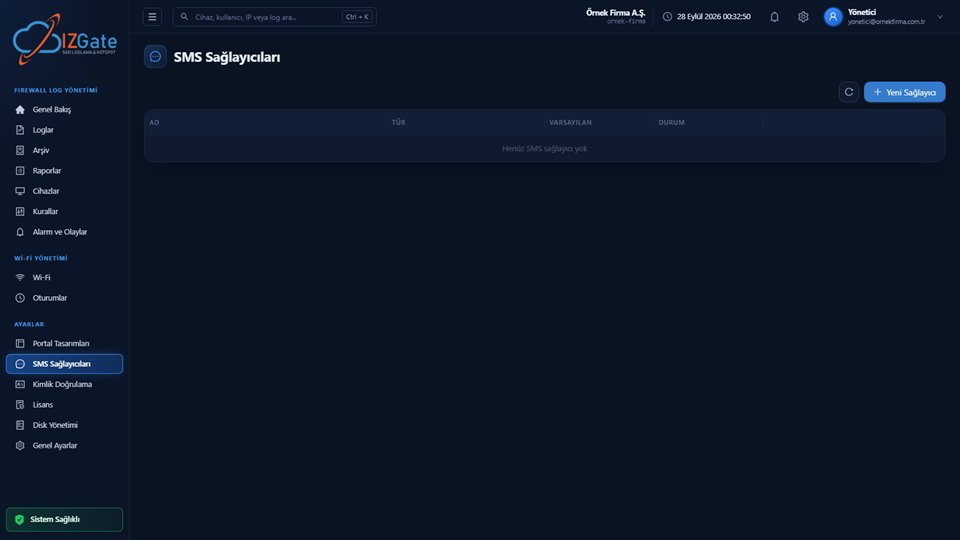
- Seconds-fast SMS loginThe customer enters their phone number, types the code they receive, and connects; when they switch to the Messages app on an iPhone, the session is preserved and the code is suggested automatically.
- Receipt-printed visitor codeFor a customer who doesn't want an SMS or doesn't have a smartphone, a visitor code generated at the till can be printed on a receipt or card; the code becomes invalid once its usage count runs out.
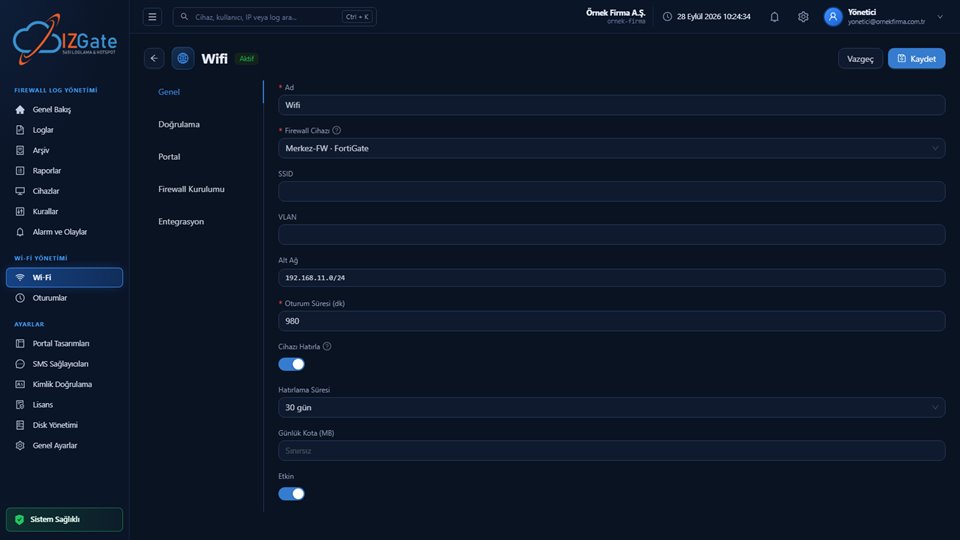
- Daily limit and session durationA daily connection limit and session duration are defined per network; this keeps a single customer from occupying the network for a long stretch during busy hours.
- A portal built for your brandA login page adapted to your brand with logo, colors, and copy; you can also upload your own HTML design if you prefer.
- Remember deviceYour regular customer connects again without re-entering a code for the duration you set; the customer experience speeds up while the record still stays tied to the same person.
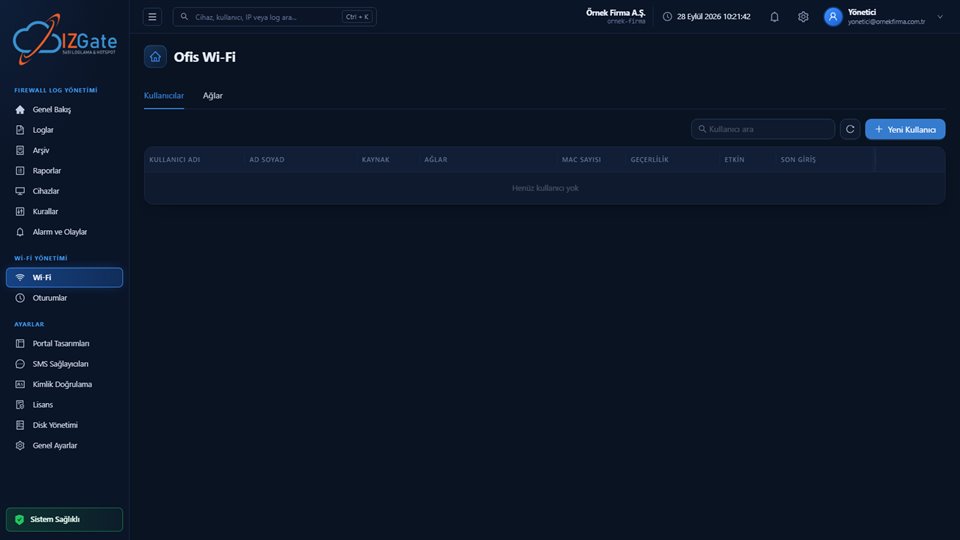
- Staff network and account-level accountabilityServers, cashiers, and kitchen staff authenticate on a separate RADIUS-based network with their own user account; events on the customer network never get mixed up with events on the staff network.
- Single-panel visibility for chainsIf you have multiple branches, each branch's device, rule, and record appear separately in the same panel; which event happened at which branch is tracked centrally.
How is it set up at a cafe or restaurant?
Device verification
MikroTik (SSH/REST API) or FortiGate is defined from the panel; the record is verified against the serial number read from the device.
SMS and visitor code
Your SMS provider (your own provider, or izgate's SMS credit) is connected; a template is prepared for the visitor code generated at the till.
Network rules and staff network
Daily limit, session duration, remember-device duration, and a separate SSID/RADIUS setup for staff are defined.
If you run a single location, this setup is usually completed within a business day. If you run a chain, each branch is defined as a separate unit in the panel with its own device; you can set common settings (such as the portal theme or daily limit) centrally and apply small branch-level differences (e.g., a shorter session duration at a busy mall branch).
Compliance checklist for cafes and restaurants
You can check the items below one by one when opening a new branch or reviewing your existing setup; each is explained in detail in the legal framework and izgate sections above.
- Is the content filtering system (your firewall's web filter) active and up to date?
- Are access records recorded electronically and kept for two years?
- Is there an SMS-type or similar user identification method in the publicly accessible dining area?
- Is the staff network (servers, cashiers, kitchen) separate from the customer network?
- Are the daily limit and session duration set to match your busy hours?
- Is the visitor code/receipt process defined at the till, with a usage limit?
- Does the daily archive integrity check run?
Frequently asked questions
Does my cafe need to obtain an operating permit?
No. An operating permit is only for places classed as a "commercial-purpose internet public use provider" — internet cafes and similar places that sell internet access for a fee. Offering free Wi-Fi to customers at your cafe does not put you in that category; you are subject to the general obligations in Article 4 of the Regulation.
Why does SMS login need to be so fast?
Cafe and restaurant customers usually sit at a table for a short time; the portal lets them enter the code sent to their phone and connect within seconds. If the same person returns within the "remember device" window, they aren't asked for a code again.
How does a customer without a smartphone connect?
A visitor code generated at the till or front desk can be printed on a receipt or card and handed over; the customer connects directly with this code without receiving an SMS.
Is the server's and cashier's internet on the same network as the customer's?
No. A separate, RADIUS-based network is defined for staff; the connection of servers, cashiers, and kitchen staff is completely independent of the customer guest network and is matched to their own user account.
What are the daily limit and session duration for?
The daily connection limit and session duration defined in the network settings prevent the network from being occupied by certain customers for long periods during busy hours; a session whose time is up closes automatically.
How long are access records kept?
The retention period is a setting the business chooses; two years is recommended under Law 5651 and applied by default. Records are kept in parallel in the live system and the signed archive.
If I have more than one branch, do I need to manage each one separately?
No. Each branch's firewall device is defined separately in the same panel; you see and manage from a single panel which rule, which SMS/visitor code setting, and which record applies at which branch.
This page is for information only; for the current text of the legislation, refer to the official source (mevzuat.gov.tr).