The right guest-verification method depends on how your business operates: speed matters most at a café, the front-desk flow matters at a hotel, visitor/subcontractor control matters at a factory, and staff identity matters at an office. All of these methods exist in izgate, and can be combined per network in any combination you like; there is no single "best" method — you're expected to pick the one that fits.
This guide covers seven different methods one by one: SMS, ID number, visitor/voucher code, administrator approval, pre-registration/institutional lookup, user account/AD-LDAP/RADIUS, and registered device (MAC). Each has its own upside and its own limit; when deciding, it's enough to think about your guest's situation at that moment — are they holding a phone, at the front desk, or already known to you in advance?
There is no single "right" method
Every method has a cost: SMS is fast but requires credits; ID-number verification provides strong identification but requires the guest to fill in a bit more; a visitor code takes front-desk effort but requires the guest to fill in no form at all. So the decision should start not with "which is technically strongest" but with "which one actually fits this guest profile."
SMS verification
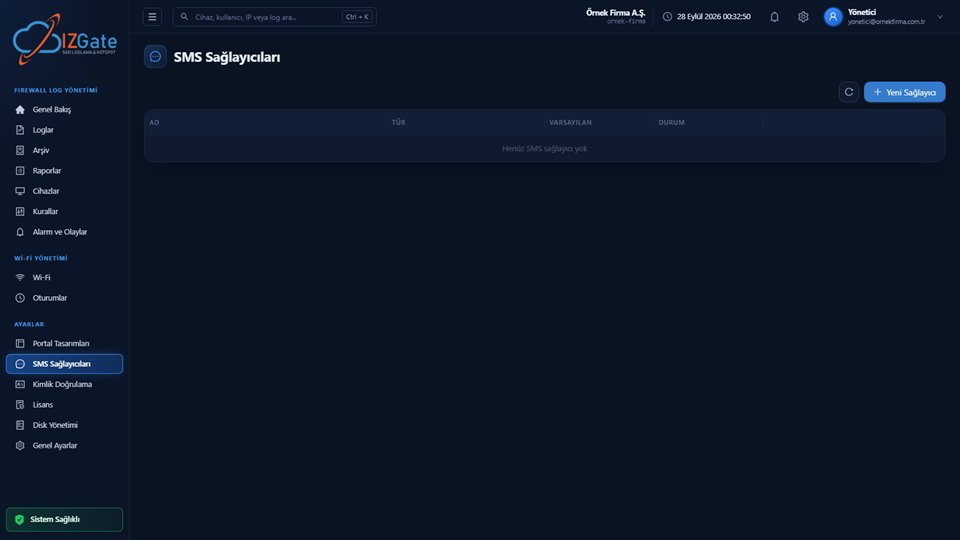
A one-time code is sent to the guest's phone; the guest enters this code in the portal. It is fast and a familiar experience for guests, and doesn't depend on any additional institution or system. It requires an ongoing credit cost and does not guarantee that the phone number actually belongs to the person who entered it (a code can also land on someone else's phone). It stands out in places with high guest turnover and short, one-off connections (cafés, shopping malls, waiting rooms).
ID number + NVİ verification
The guest enters their Turkish ID number, first name, last name, and birth year. If NVİ verification is enabled on the network, this information can be checked against the Identity Sharing System of NVİ (the Population and Citizenship Affairs); this is an optional setting. It offers the strongest level of identification but requires the guest to fill in a bit more than SMS, and if NVİ verification isn't enabled, the entered information remains self-declared only. For businesses that want to meet the user-identification obligation in publicly accessible areas, this method offers a stronger level of identification than SMS.
Visitor/voucher code
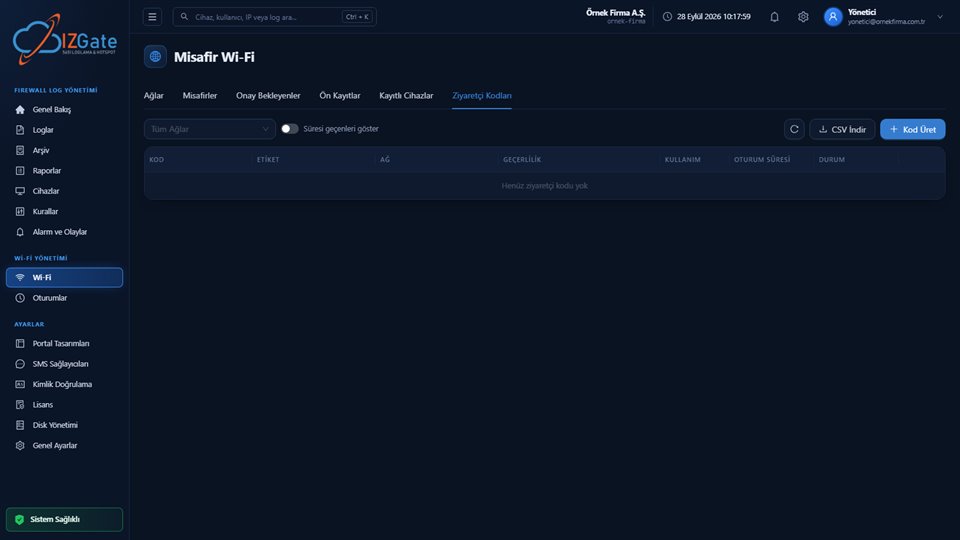
Front-desk or security staff generate codes in bulk from the panel: a label, expiry date, usage-count limit, and a session-specific duration are defined; codes can be exported as CSV and printed. The guest connects by entering only the code, with no personal information at all. In exchange, the record of who the code was given to (which room, which visitor) must be kept in the front desk's own process; the portal doesn't know this automatically. This is why a visitor code works best in settings where the front desk already keeps a logbook or PMS record.
Administrator approval
The guest sends a request, and front-desk or security staff approve it with a single click from the panel's "Pending Approvals" list. The identity information is generated on the guest's own device and never reaches the approving staff member — this is a flow that doesn't require staff to see the guest's personal information. If approval isn't given within a certain time, the request expires on its own.
Pre-registration and institutional lookup
Your institutional system (a hotel PMS, a hospital patient system, a student information system, etc.) can pre-register the guest with izgate via API; the guest then only confirms their registration in the portal with a short piece of information (phone, full name). Alternatively, the portal can send a live lookup to your institution's own system via API at the moment of verification. This method avoids re-entering data when the guest is already registered in another system; it requires your institution's API to be ready.
User account, AD/LDAP, and RADIUS
Staff, members, or students sign in with a defined username/password; if your institution already manages an identity list, it matches directly through this method. For staff connections, your company's own RADIUS server or Active Directory/LDAP identity list can also be selected as a verification method; this is a flow entirely separate from the guest network and is designed for permanent users. Choosing this method means staff never see the SMS or ID-number screen guests see.
Registered device (MAC)
A guest's device is registered by its MAC address and added to the "registered device" list with administrator approval; this device then connects indefinitely without being asked for identity again. It's suited to permanent staff or institutional devices. The MAC address is always verified from the firewall's own table; access can be disabled from the panel with a single click, at any time.
Comparison table
| Method | Good fit for | Pro | Con |
|---|---|---|---|
| SMS verification | Cafés, malls, fast one-off access | Fast, familiar to guests | Credit cost; phone ownership not guaranteed |
| ID number + NVİ | Public-sector venues, comprehensive ID with a fixed IP requirement | Strongest level of identification | More fields to fill; NVİ verification is optional |
| Visitor code | Hotels, meeting rooms, longer stays | Guest enters no personal data | Distribution and records sit with the front desk |
| Administrator approval | Factory visitors, VIP guests | Identity never reaches the approver | Requires staff intervention |
| Pre-registration / institutional lookup | Hotel PMS, hospitals, universities | Avoids re-entering data | Requires the institution's own API |
| AD/LDAP, RADIUS, user account | Staff, students, members | Matches an existing identity list | Not suitable for guests |
| Registered device (MAC) | Permanent staff, institutional devices | Identity is never asked again | Only for a verifiable MAC |
Combining methods per network
In practice, most businesses don't work with just one method, but a combination of two or three. In a factory example: a time-limited visitor code for subcontractor workers, administrator approval for manager/executive visits, and the registered-device (MAC) method for permanent staff devices can all sit side by side on the same network. Each method is chosen to give the least friction and the highest level of identification for the guest it's meant for.
When setting up this combination, the key point is making sure each method leaves its own record correctly: the phone number for someone entering by SMS, the verified or self-declared identity for someone entering by ID number, the code for someone entering with a visitor code, the MAC address of a registered device — all of these come together in the panel under the same access-record structure (time, internal IP, MAC, destination, NAT port, user). The method differs, but the record's fields stay the same, which lets you run the same query during an investigation regardless of which method was used to connect.
Frequently asked questions
Which verification method should I choose?
There's no single right answer; the choice depends on your guest profile, how fast you expect sign-in to be, and the kind of premises your business operates. For quick, self-contained verification, SMS or ID-number checks work well; if you have a known guest list in advance, pre-registration or an institutional lookup is a good fit; for staff, AD/LDAP or RADIUS is appropriate. You can combine methods per network.
Is ID-number verification actually checked against population records?
When NVİ verification is enabled on a network, the entered ID number can be checked against NVİ; this is an optional setting. When NVİ verification is off, the ID-number field is recorded only as a self-declaration.
What's the difference between a visitor code and administrator approval?
A visitor code is generated and distributed in bulk in advance, with usage/time limits; the guest enters the code themselves. Administrator approval means a guest's real-time request is approved with a single click by front-desk or security staff from the panel; in both cases, the real identity is never shown to the person approving it.
Can I combine more than one method on the same network?
Yes. Methods can be combined per network however you like — for example, guests verifying by SMS, registered staff devices by MAC, and long-term guests by visitor code, all on the same network.
Is the registered-device (MAC) method secure?
The MAC address is verified by izgate from the firewall's own connection table; the record is therefore only valid for verifiable devices. You can disable access at any time from the panel and edit the registered-device list.
Do records for guests who entered through different methods get mixed up?
No. Regardless of which method was used to verify them, every access record carries the same field structure (time, internal IP, MAC, destination, NAT port, user); the method only changes how identity was verified, not the structure of the record.
This page is for information only; for the current text of the legislation, refer to the official source (mevzuat.gov.tr).
Related guides
What Is a Hotspot and Captive Portal, and How Do They Work?
The redirect, verify, and firewall handoff flow.
PracticeHow Printers, Robots, and IoT Devices Get Past the Portal
A MAC-based solution for devices that can't display a verification screen.
PracticeWhy Separate Your Guest and Staff Networks?
Why AD/LDAP and RADIUS are kept separate from guest methods.